

Environments and tags
Environments carry rules
Section titled “Environments carry rules”| Setting | Effect |
|---|---|
| Requires encryption | Plans in this environment cannot choose None. |
| Restores need an approval | Every restore waits for an approver - never the requester. |
| Overwrite restores need two approvers | Restoring over live data needs two different approvers. |
| Allowed archive formats | Only these file types can be chosen. Empty means all. |
| Allowed encryption modes | Only these modes can be chosen. Empty means all the others rules allow. |
| Allow direct-to-object-store backups | Lets a plan stream straight to the bucket, bypassing the platform’s encryption and hashing. Leave off unless you need it. |
-
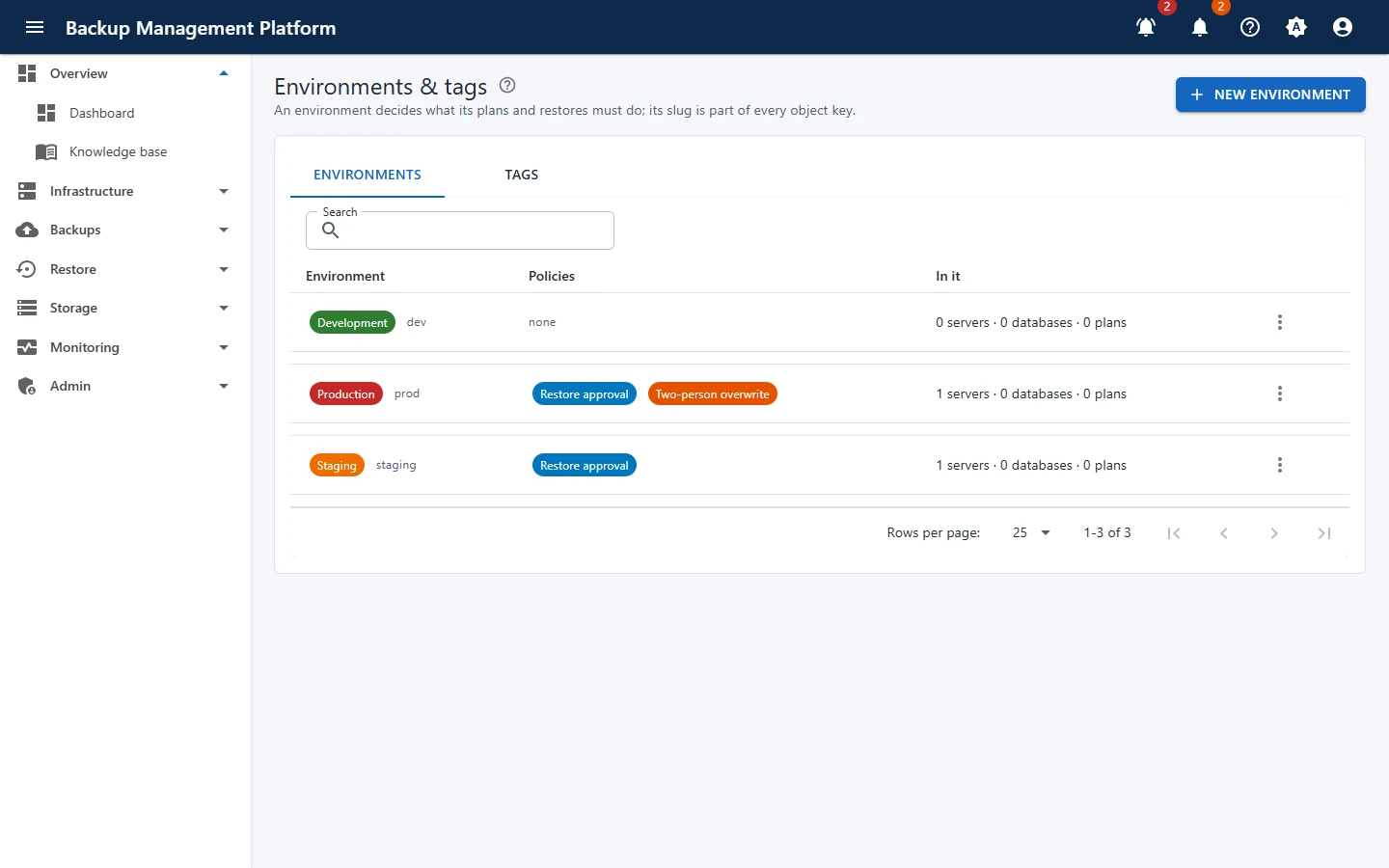
Open Infrastructure › Environments & tags and click New environment
-
Enter a Name, a short Slug and a Colour
The slug becomes part of every storage path, so keep it short and stable, e.g.
prod. -
Switch on the rules this environment needs, then save
Tags are free labels on servers and database instances - web, eu-west, team-a. Add them in the server’s Tags field or with Assign tags on several servers at once. The Tags list on this page shows every tag in use; Rename or merge changes it everywhere.